
15 IMM Rope Brush for Zbrush
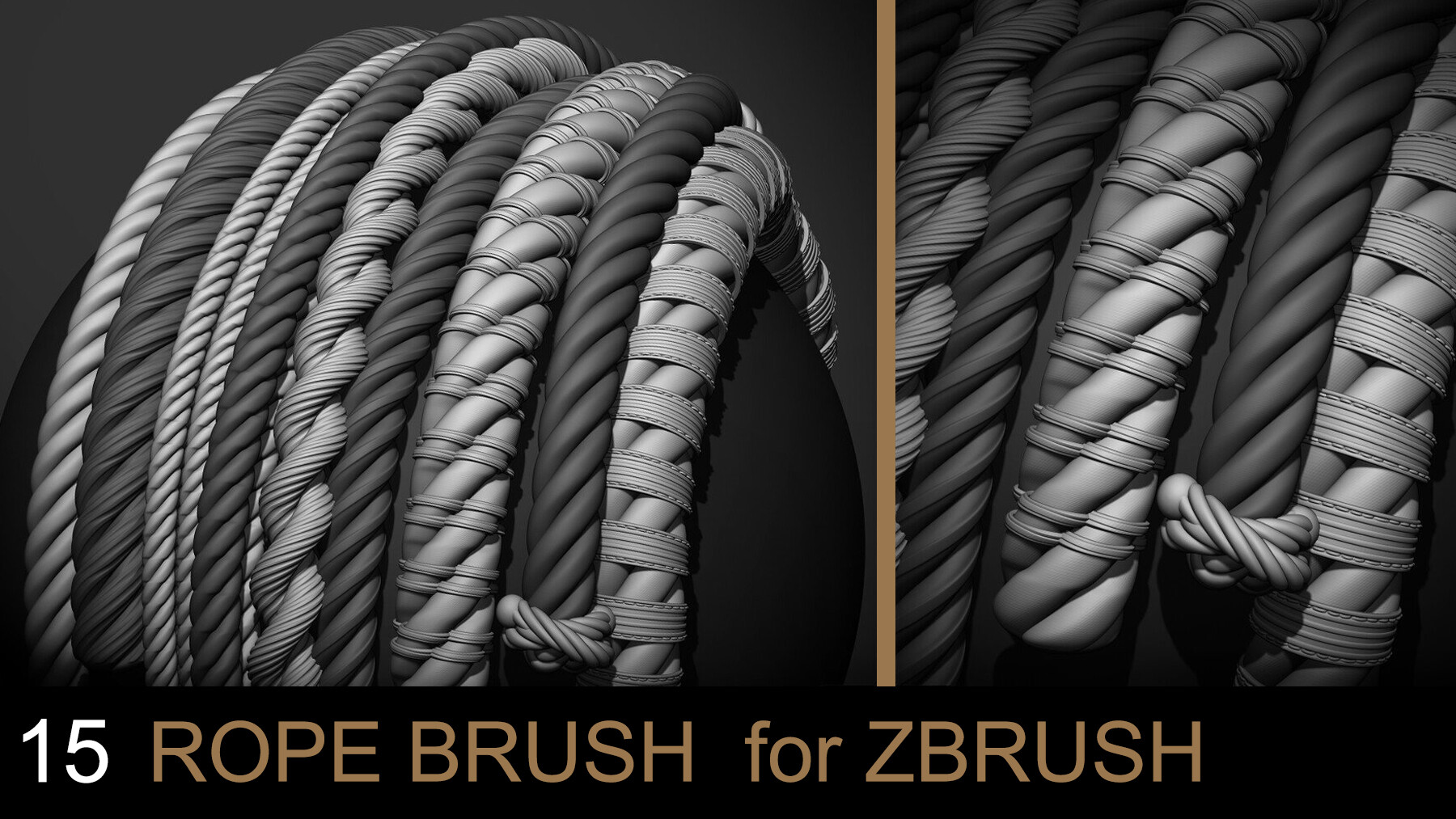
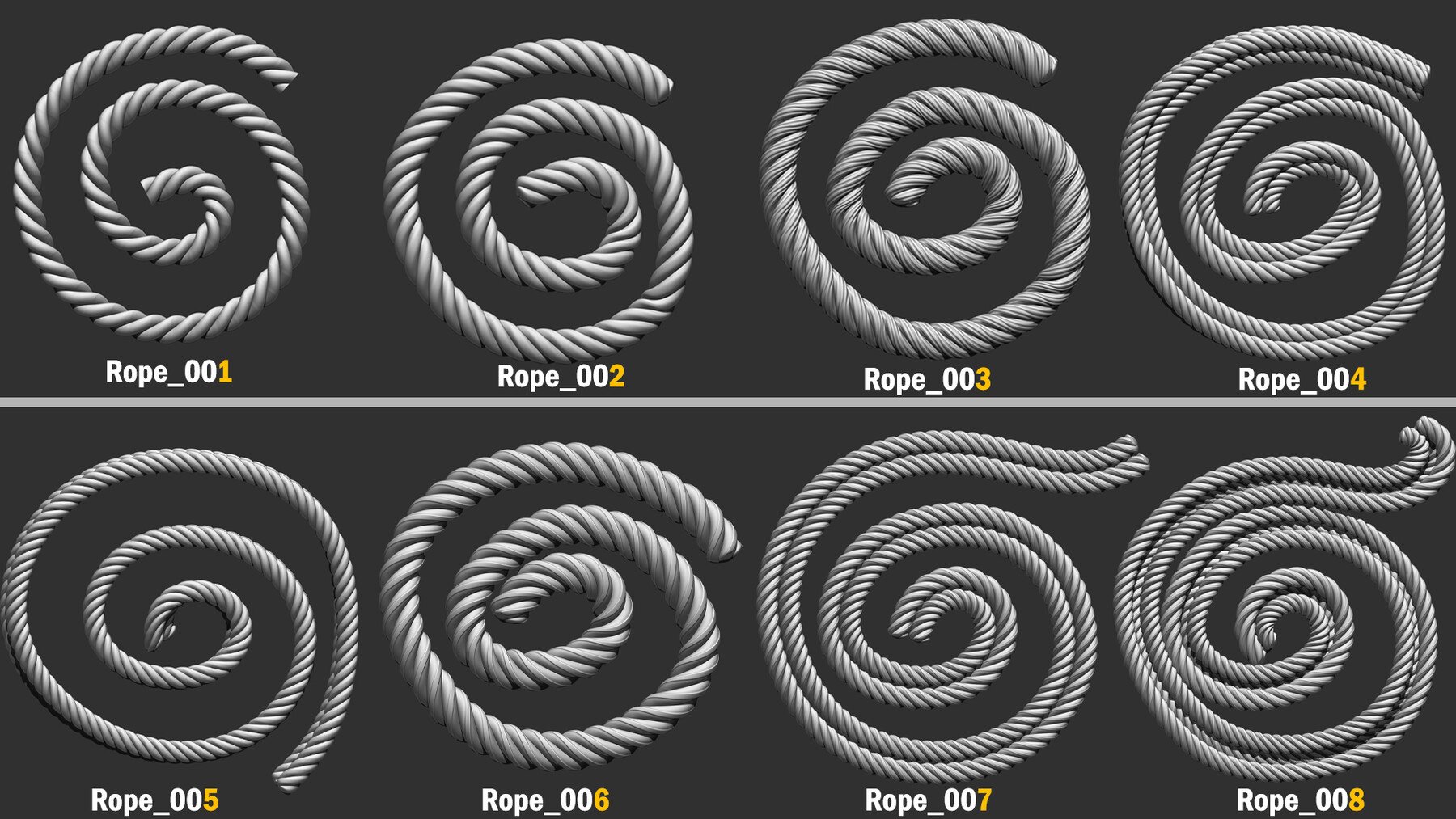
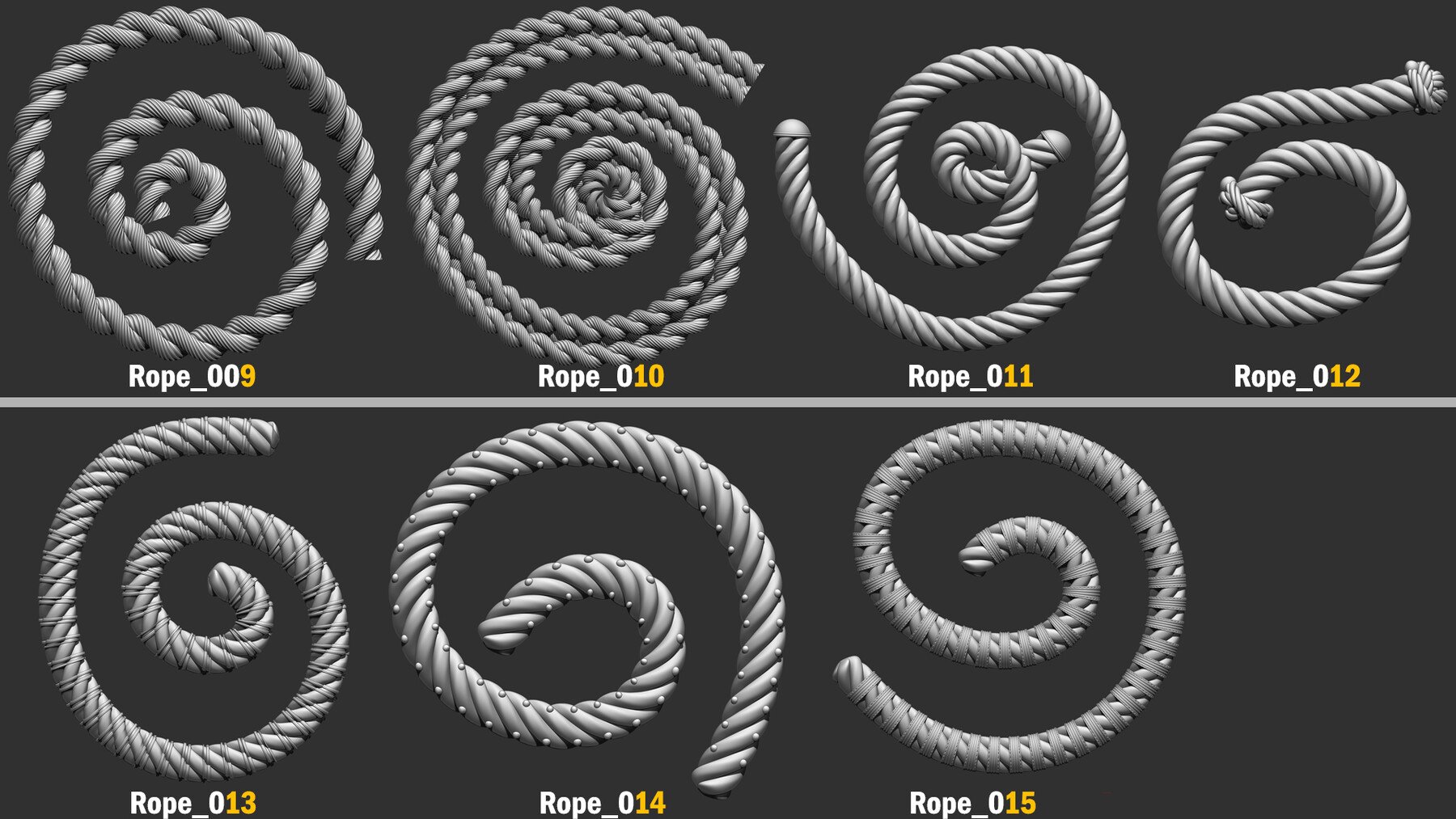
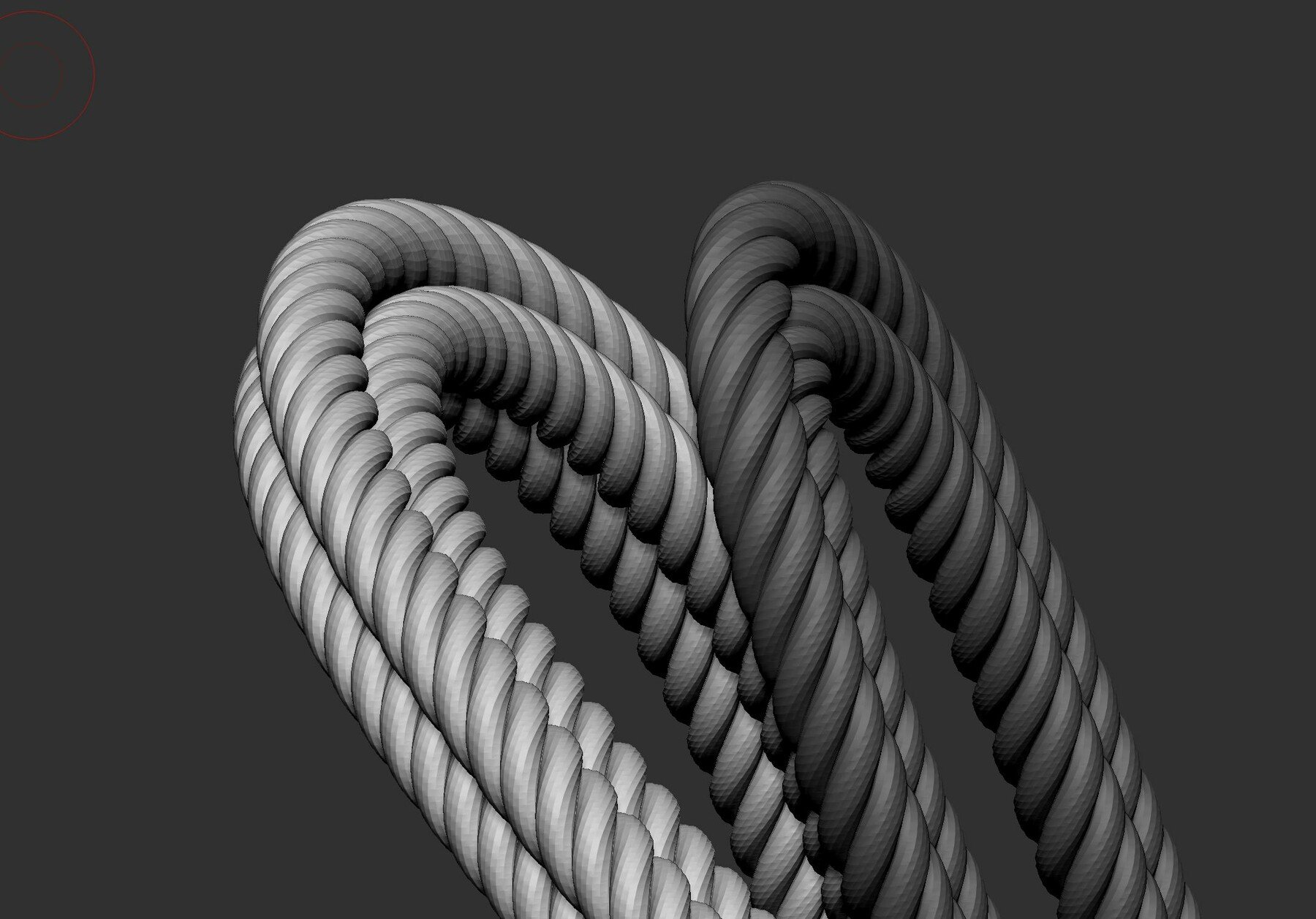
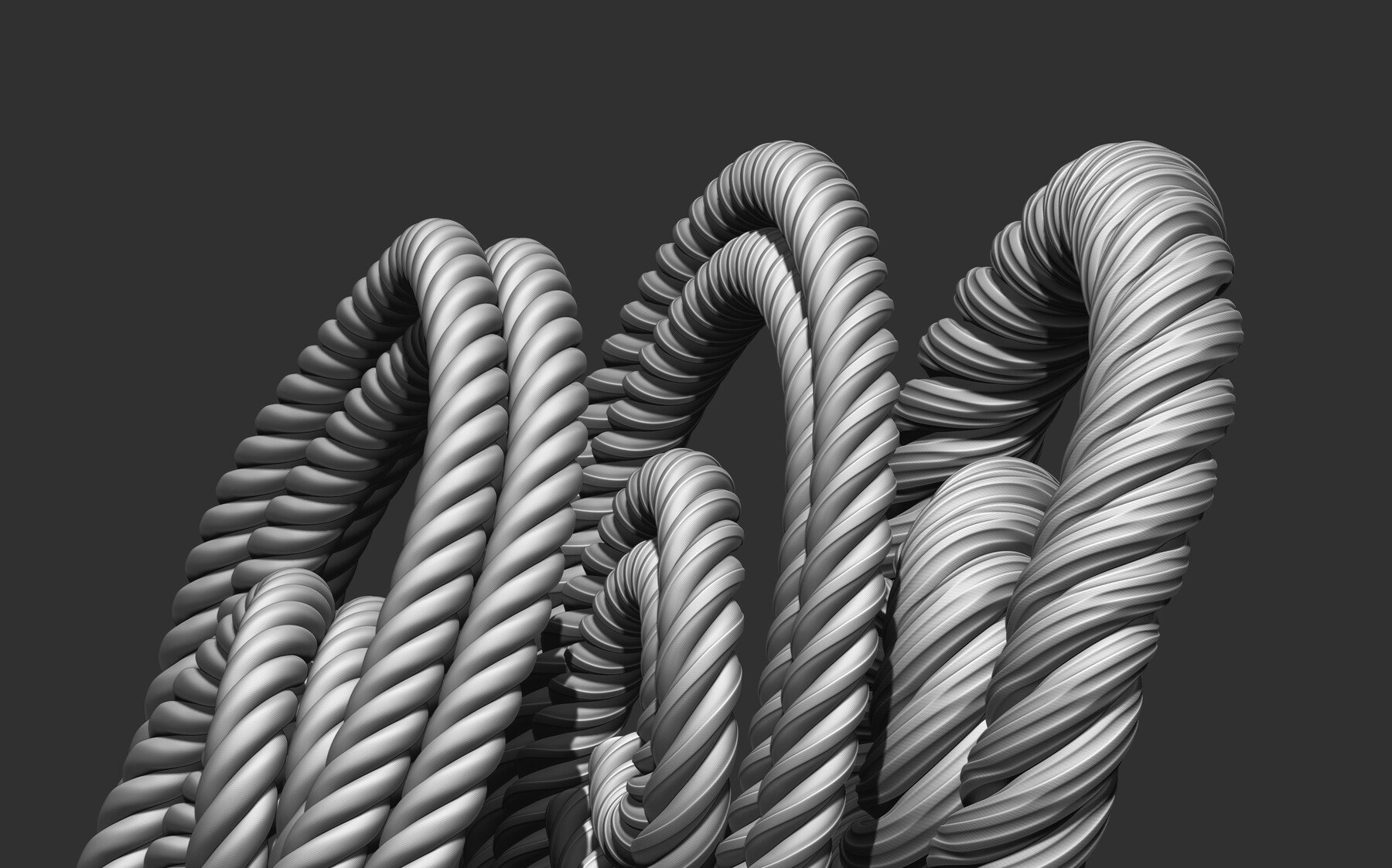
15 IMM Rope Brush for Zbrush
Work only on zBrush !! Version 2021.1 & Higher !!
It's a selection of Rope brush I use for my personal project.
Perfect to easily detail your character, Highly custom-able, with the zmodeler, work with Dynamic Subdiv and Divide ( recommended )
____
How to Install :
Just copy the brush file into '' C:\Program Files\Pixologic\ZBrush 2020.1\ZBrushes ''
Select the brush on your lightbox ''Brush'' Panel.
Press M to see all the brush !
______________________________________________
How to Use :
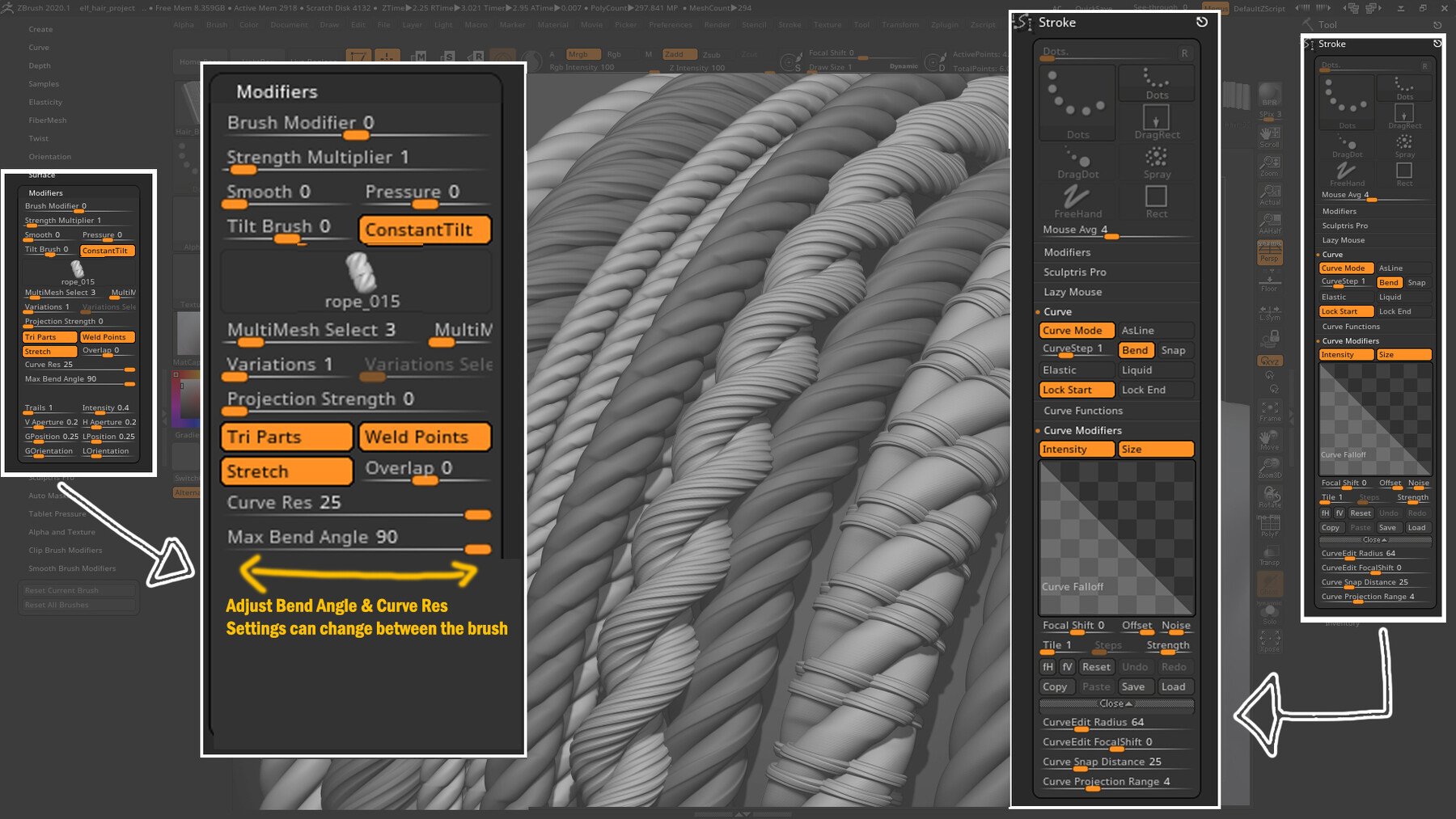
Like all the IMM Brush, Activate Curve Mode. And Enable Tri Parts / Weld Points / Stretch / Tweak the Curve Res & Bend Angle, settings depends the brush . ( Setting Picture is Available in the Download File )
______________________________________________
Feel free to contact me if you have a question, a problem !
Email : kowalskiartwork@gmail.com
Portfolio : https://www.artstation.com/dylan-kowalski
For personal use and one commercial project (up to 2,000 sales or 20,000 views).
TutorialsOne copy to be used by a single user.
Installable ToolsOne installation by a single user.
Learn MoreFor use on an unlimited number of commercial projects with no limits on sales or views.
Learn More